
How to calculate GST on services in India — a plain-English guide
If you offer a service and you're registered under GST (or thinking about it), this is the exact arithmetic you'll need every month. I've been billing services for six years — here's the formula, the traps I've fallen into, and worked-out examples for freelancers, consultants and IT firms.
The one-line formula
GST amount = Taxable value × (GST rate ÷ 100)
That's it. The hard part isn't the multiplication — it's figuring out (a) which rate applies, (b) whether to split it into CGST + SGST or use IGST, and (c) whether reverse charge kicks in.
Step 1 — Find the right GST rate for your service
Almost every professional service (consulting, IT, design, legal, accounting, event management) attracts 18% GST. A few exceptions:
- Restaurant services — 5% (without ITC) or 18% (with ITC, if inside a starred hotel)
- Passenger transport (radio taxis, air travel economy) — 5%
- Real estate residential (under-construction) — 5% without ITC (affordable housing) or 1% for affordable
- Job work services on textiles — 5%
- Healthcare, education, agricultural services — Exempt (0%)
- Postal services by government — Exempt
When in doubt, look up the SAC (Services Accounting Code) from the government's CBIC portal and check the notified rate. Our full slab guide covers this.
Step 2 — Decide CGST + SGST vs IGST
This is where 90% of first-time businesses mess up.
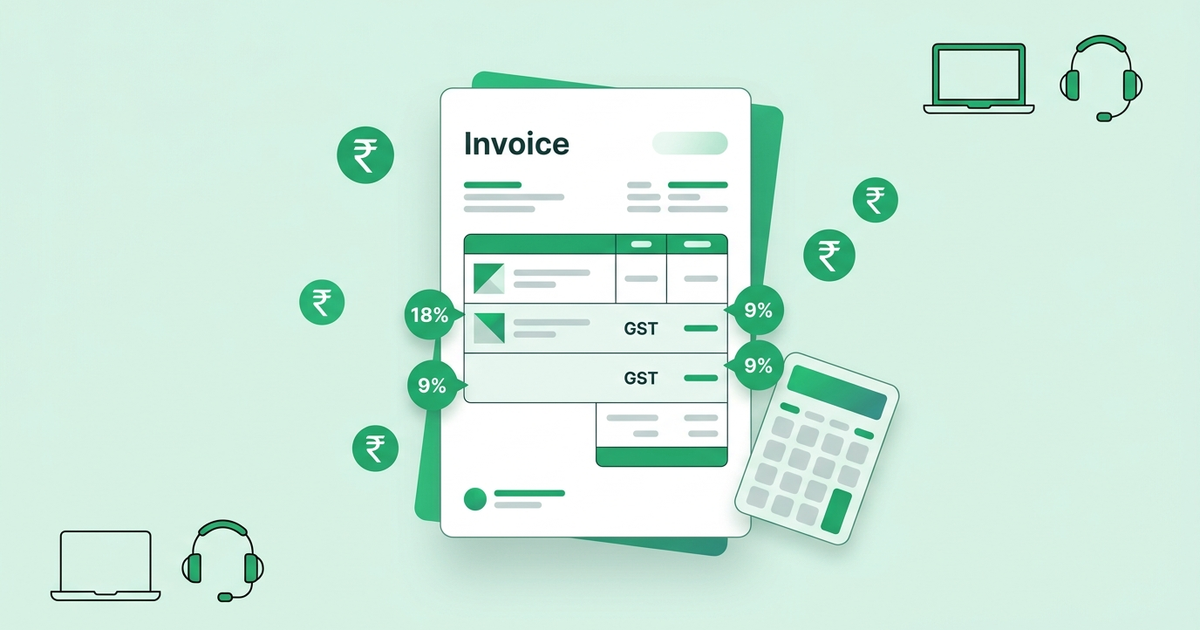
- Same state (supplier state = recipient state): split 18% into 9% CGST + 9% SGST
- Different states: 18% IGST (goes entirely to central government, later shared with the destination state)
- Export of services: zero-rated (either LUT-based, no tax; or IGST paid and refunded)
The "state" of the recipient is determined by the place of supply — for most services rendered to registered businesses, it is the recipient's registered address. For unregistered recipients, it is the address on record; if unavailable, the supplier's state.
Step 3 — Worked example: freelance web designer in Pune bills a client in Mumbai
- Both parties are in Maharashtra — intra-state supply
- Fees: ₹50,000 for a website
- Taxable value: ₹50,000
- CGST @ 9% = ₹4,500
- SGST @ 9% = ₹4,500
- Invoice total = ₹59,000
Step 4 — Worked example: same designer bills a client in Bengaluru
- Maharashtra → Karnataka — inter-state supply
- Fees: ₹50,000
- IGST @ 18% = ₹9,000
- Invoice total = ₹59,000 (same net tax, different columns)
Step 5 — Reverse charge mechanism (RCM)
Under RCM, the recipient pays GST directly to the government instead of the supplier collecting it. For services, the most common RCM scenarios in India are:
- Services from a Goods Transport Agency (GTA)
- Legal services from an advocate to a business entity
- Services from a director to their company (sitting fees etc.)
- Sponsorship services to a body corporate
- Import of services from outside India
If RCM applies, mention "Tax payable under reverse charge — Yes" on the invoice and do not charge GST. The recipient discharges the liability while filing their return.
Step 6 — What about TDS deduction by the client?
TDS under section 194J (professional services) is 10% for individuals/HUFs and 10% for others, deducted on the taxable value before GST. Companies deducting GST-TDS under section 51 apply 2% (1% CGST + 1% SGST or 2% IGST). Reconcile the amount received (net of TDS) with the invoice value to avoid year-end surprises.
Common mistakes I've seen — and paid for
- Charging IGST on an intra-state invoice because the client's billing address is in another state but the delivery is local. Fix: check the recipient's GSTIN state code.
- Skipping RCM on legal fees because the advocate didn't mention it. The buyer is still liable.
- Forgetting to add GST when the client is a foreigner but has an Indian entity. Bill the Indian entity in ₹ with GST; bill the foreign entity in USD without GST (zero-rated export).
The lazy way — let our invoice generator do it
Our free tool auto-splits CGST/SGST for intra-state and switches to IGST for inter-state. Just enter the tax rate (18% for most services), pick the "Bill to" state, and download the PDF.